Install Station
The owner installs the native macOS app and grants the Accessibility permission needed for supported detection.
Install guide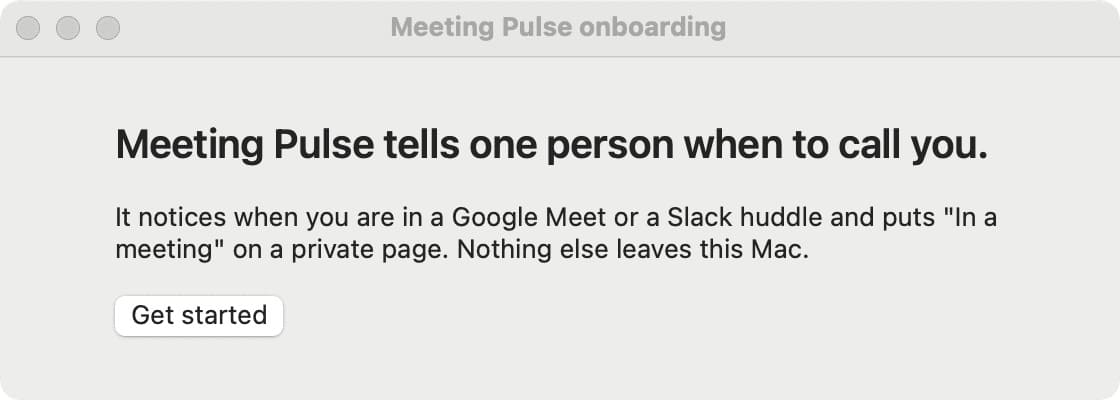
How it works
Meeting Pulse has two surfaces on purpose: the Mac app does the watching, and the page your loved one opens does the reading.
The owner installs the native macOS app and grants the Accessibility permission needed for supported detection.
Install guide Station observes the supported call surfaces locally. It does not upload meeting content or turn the browser into a sensor.
Why Accessibility?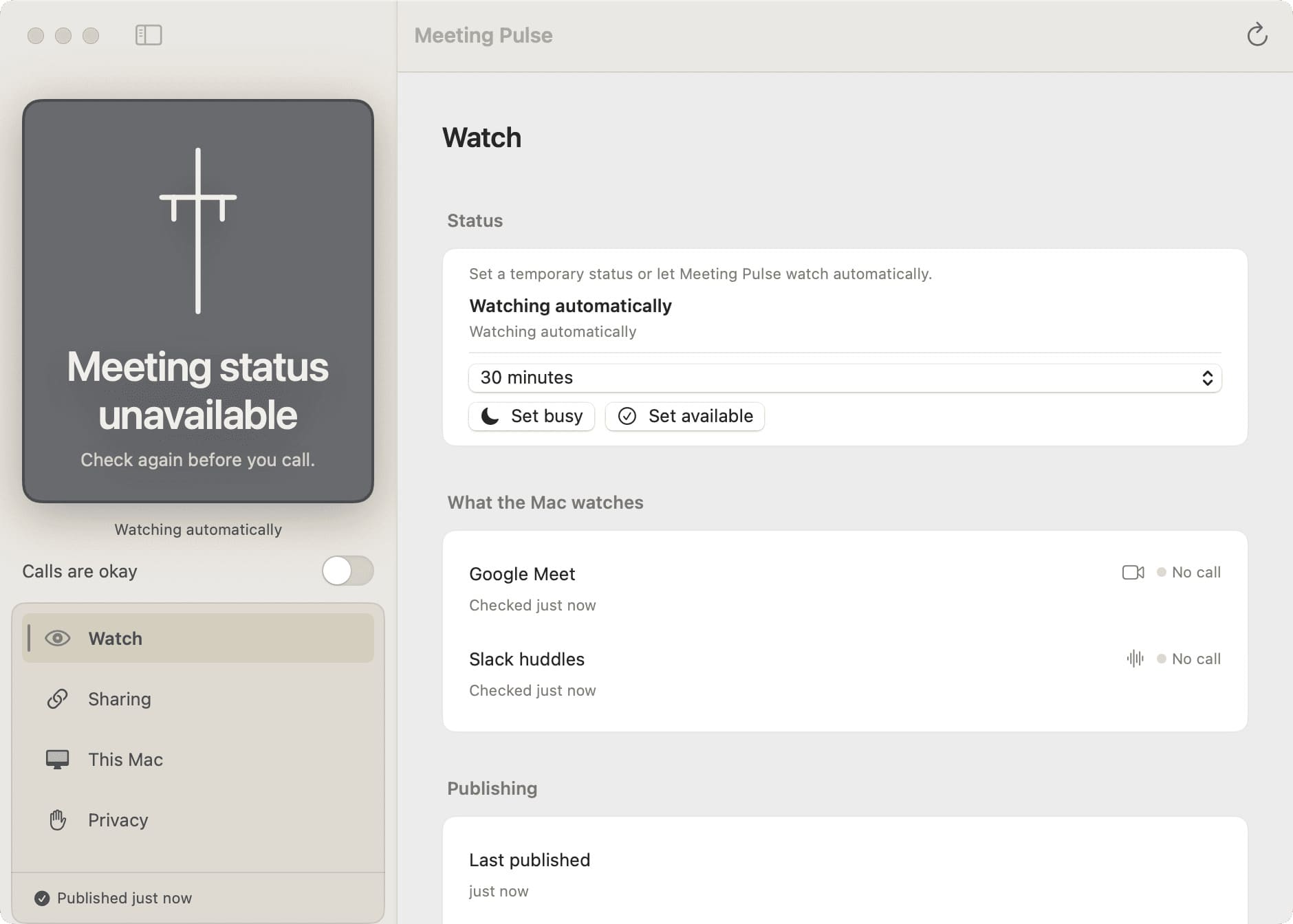
Station creates a private viewer path. The person checking in opens that link on a phone or laptop without creating an account.
Pair a viewer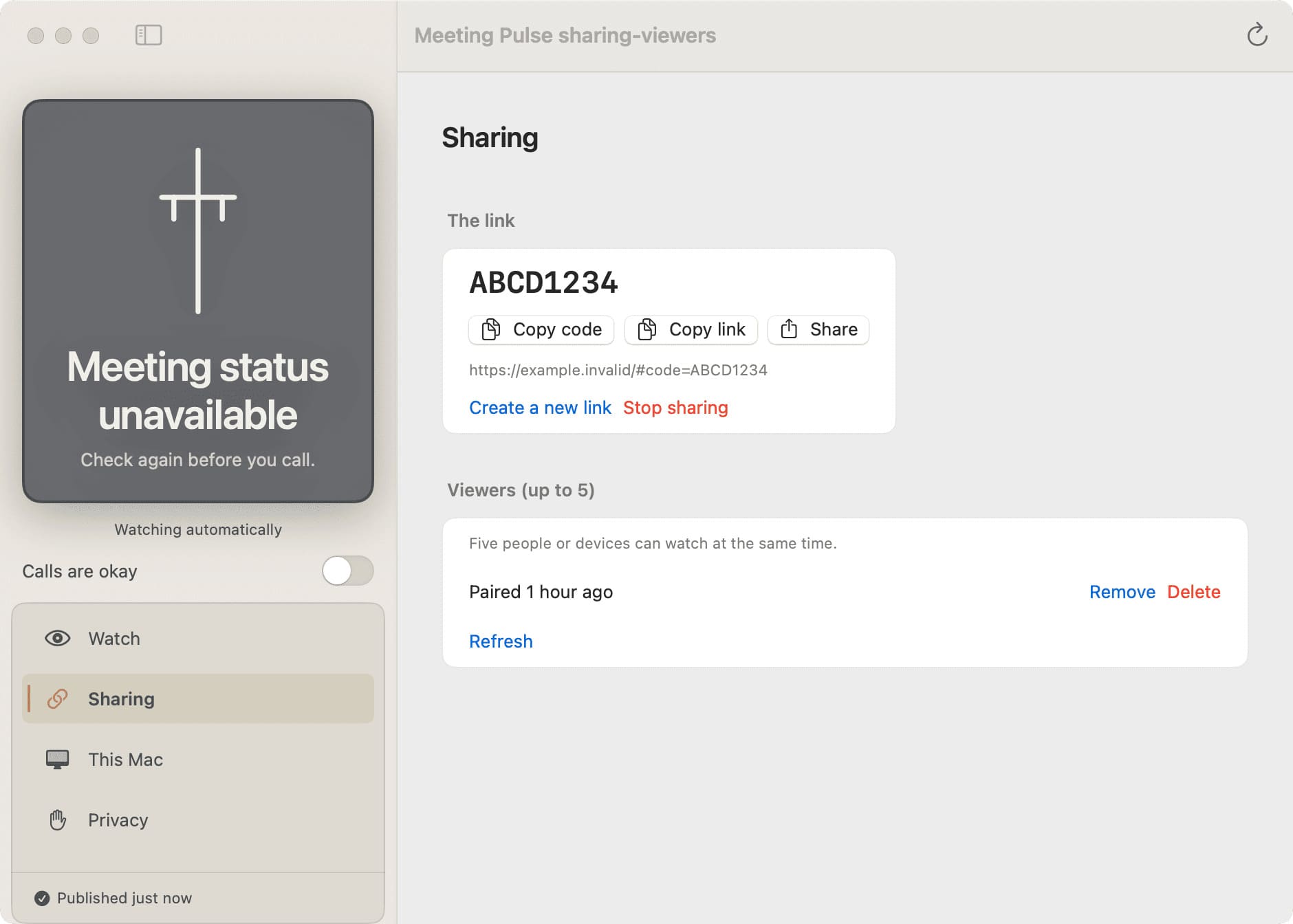
The viewer checks the current signal periodically. If the signal is stale or unavailable, the viewer says so instead of guessing.
Troubleshooting states
The owner heartbeat and viewer polling are periodic. That is why freshness and unavailable states are part of the product language.