Troubleshooting
Read the state before you fix the state.
Meeting Pulse uses explicit messages so a missing or stale signal does not look like permission to interrupt.
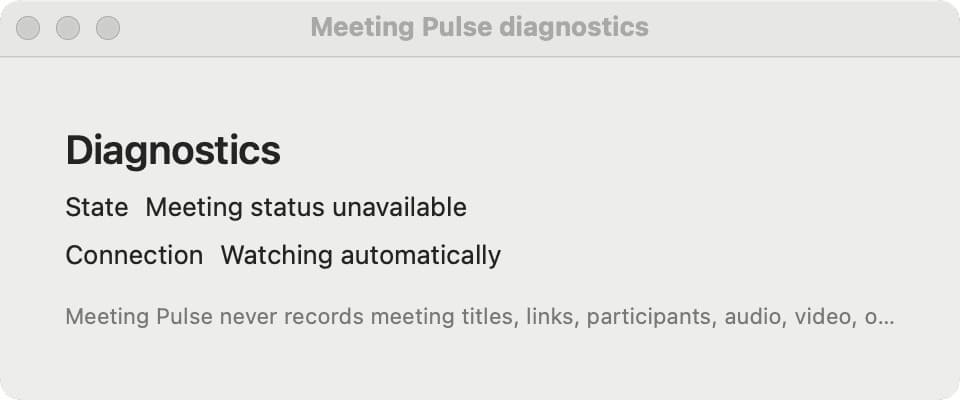
“Meeting status unavailable”
The viewer cannot trust a current state. Check that Station is running, the owner Mac is connected, and Accessibility permission is still granted.
“Not connected”
The viewer is not connected to the paired owner state. Reopen the private link and check the viewer entry in Station.
The state looks old
Meeting Pulse updates periodically rather than continuously. If the timestamp is stale, treat the state as unavailable and check Station.
The detector is not seeing a supported call
Confirm the app is supported by the current release and that the owner app has the required permission. Manual Busy or Available controls can cover a moment the detector cannot observe.
Share a focused bug report with the release version and the state you saw. Keep private viewer links and recovery information out of public issues.